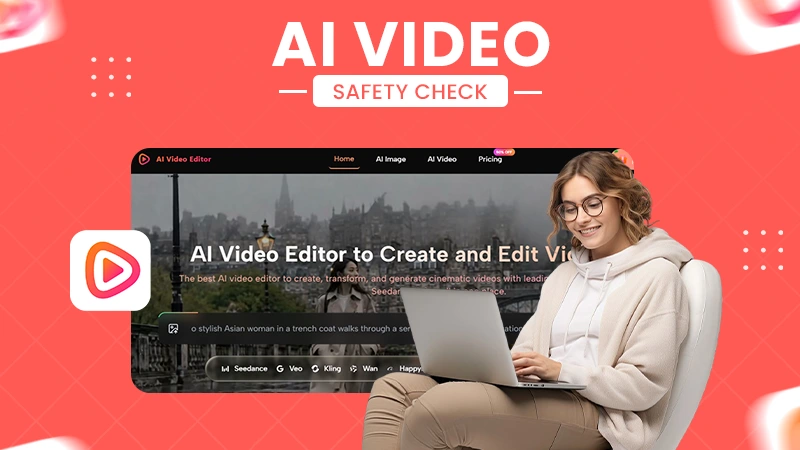
Screening the footage first helps prevent sensitive information, including names, documents, notifications, faces, addresses, conversations, product details, or reflections from entering the editing workflow.
AI Video Editor Uploads Need a Sensitivity Screen
POST BY
PUBLISHED
August, 18, 2026
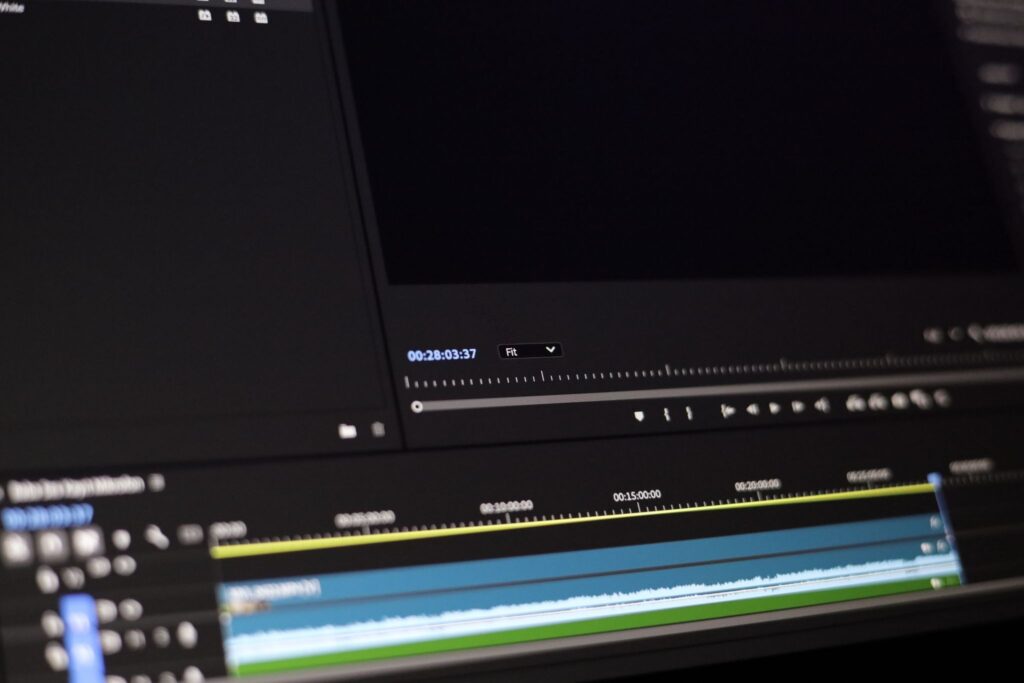
You upload a video to an AI tool for editing, but the footage itself can be risky. A screen recording might show a customer’s name in the corner. A founder’s product demo could reveal an unreleased dashboard. A home video might expose a street number for only three frames. The edit itself may be completely routine, but the source footage can contain far more information than the task requires.
AI tools are now part of creative workflows. IBM’s 2025 Cost of a Data Breach research found that 97% of organizations reporting an AI-related security incident lacked proper AI access controls.
Not all AI editors are unsafe. It’s just that uploading should be treated as a data-handling decision, not merely the first step in editing.
Evaluating an AI video editor for speed, output quality, or prompt control comes later. First, can we create a rough draft that contains everything the edit needs and nothing sensitive that it does not?
It’s called file-prep. It does not make a claim about any particular platform’s privacy, security, retention, or data-use practices.
Table of Contents:
Find Exposure Outside the Intended Subject
AI video editors have come a long way with multiple models in a single platform. But still, examine the source once with the edit brief hidden. Look at the background, edges, reflections, notifications, filenames, and spoken context as if the clip had arrived without explanation. The intended subject attracts attention; exposure often sits elsewhere. A laptop reflection may disclose a second screen even when the screen being demonstrated is clean.
Pause on transitions and motion blur. Sensitive information does not need to remain visible for the length of a shot to count. A single readable frame can carry a badge, address, license plate, private message, access code, or medical document into the working copy.
Listen separately if the clip has audio. Names, meeting details, background conversations, and voice identifiers may prevail over a visual crop. If the task concerns only motion, style, or background treatment, remove unnecessary audio from the rough draft while keeping the untouched source under the team’s normal access controls.
Employ four passes instead of trying to notice everything at once. First watch at normal speed for people and places. Then scrub frame by frame for screens, documents, and reflections. Listen with the picture hidden for spoken data. Finally, inspect the file name, thumbnail, first frame, and final frame as they appear in the upload picker. Each pass has one job, which makes a quiet disclosure harder to miss.
Write findings in terms of action. “Phone visible” is an observation; “replace the segment because the lock-screen message contains a customer name” is a decision. This distinction keeps the sensitivity screen from becoming a long inventory that nobody owns. Every flagged detail should end with remove, replace, obtain permission, or block the upload.
Classify What Can Be Reversed After Exposure
Not all facts have the same consequence. A temporary project label may be replaced. A face, home interior, customer record, or unreleased product view cannot be made unseen after it leaves the intended boundary. A small matrix keeps the decision tied to significance rather than visual prominence.
| Detail | If exposed | Working-copy action |
| Temporary label or draft title | Usually replaceable | Rename, crop, or conceal before upload |
| Customer or account data | May create lasting confidentiality risk | Use a synthetic demo or remove the part |
| Face, voice, or home location | Personal exposure cannot simply be revoked | Obtain the required permission or do not upload |
| Unreleased interface or product | Disclosure may outlive the edit | Substitute with an approved mock or delay the job |
The matrix is deliberately conservative. Blurring inside the same online edit request does not solve pre-upload vulnerability because the unblurred source has already been submitted. Redaction must be completed in a trusted preparation step before the rough draft enters the prompt-led workflow.
Prepare the Smallest Useful Working Copy
Cut the clip to the segment required for the test. Crop unused screen areas, replace live account data with a prepared demo, remove unnecessary audio, and export a copy with a neutral filename. Keep the original separate. The goal is data minimization: the editor obtains only what the requested transformation needs.
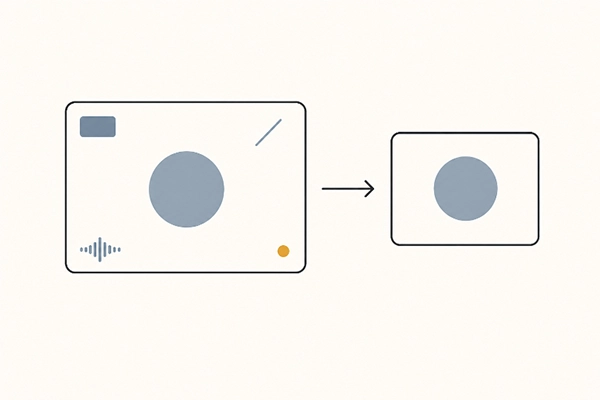
AIVideoEditor.me’s current editing-tools page describes an upload, plain-English prompt, and generated-version flow. That mechanism can support visual experiments on a current clip, but it does not eliminate the source owner’s preparation duties. The working copy should already be suitable for the chosen online process before upload begins.
Utilize edit videos online only after the rough draft passes the sensitivity screen. Write the prompt around visible creative changes—such as mood, motion, or background direction—and name the elements that should stay consistent. Do not reintroduce sensitive context just to help the model understand a broader story.
Open the exported copy in a different player or user account before approval. This catches cached overlays, hidden audio tracks, unexpected beginning frames, and metadata shown by the delivery interface. A preparation checklist is not complete until someone examines the exact file that will be uploaded.
A manufactured substitute is often better than heavy redaction. For a software walkthrough, recreate the action in a demo account populated with invented names and values. For a home-office clip, film a tighter neutral setup rather than blurring half the space. The substitute should preserve the motion or composition needed for the creative test without carrying the sensitive context into AIVideoEditor.me.
Keep a short manifest beside the working copy: source owner, approved purpose, preparation steps, excluded material, and reviewer. The manifest is not uploaded with the clip. It lets the team explain why this derivative was judged suitable and prevents a later editor from mistaking the minimized copy for the complete source.
When Redaction Still Does Not Make Upload Safe
Some clips should stay outside an online workflow: regulated records, confidential client footage, biometric material without the necessary permission, or sources whose contractual restrictions are unclear. Cropping one visible detail does not settle ownership, consent, retention, or jurisdiction. When the authorization cannot be verified, stop rather than treating visual redaction as legal clearance.
Close the Loop After the Edit
Check the generated version for both creative success and new disclosure. An edit can add plausible interface text, alter a face, or expose an area that the source crop kept unobtrusive. AIVideoEditor.me produces a new visual version, so the output needs its own sensitivity screen instead of inheriting the source’s approval.
Record which working copy was used, who approved it, what prompt was submitted, and where the output was stored. Apply the team’s retention and deletion rules to local copies and platform assets where you can. Do not invent a universal retention promise; policies and account controls need current verification.
Run the four-pass screen again on the output. Pay special attention to generated text, reconstructed faces, reflections, and surrounding objects that were not present or not readable in the rough draft. A new detail may be fictional rather than confidential, but it can still create a false identity, account name, address, or product claim. Reject or clearly edit the version before distribution.
Separate creative approval from release approval. The editor can confirm that mood and motion improved; the source owner or designated reviewer confirms that the published file is fit for its audience and channel. One green light should not silently stand in for the other.
The practical decision is simple. If a safe working copy can be made without destroying the proof needed for the edit, proceed and review the output again. If the task depends on uploading the very detail that makes the source sensitive, an online prompt editor is the wrong route for that clip.
FAQs
Why check a video before uploading it for editing?
Is blurring sensitive information before an AI edit enough?
Sensitive material should be removed, replaced, or redacted in a trusted preparation step before upload.
What should I remove from a video before using an AI video editor?
Look for customer and account information, private messages, documents, access codes, faces or voices requiring permission, home addresses, unreleased products, confidential screens, unnecessary audio, and identifying background details.
Related Posts